Less visual noise
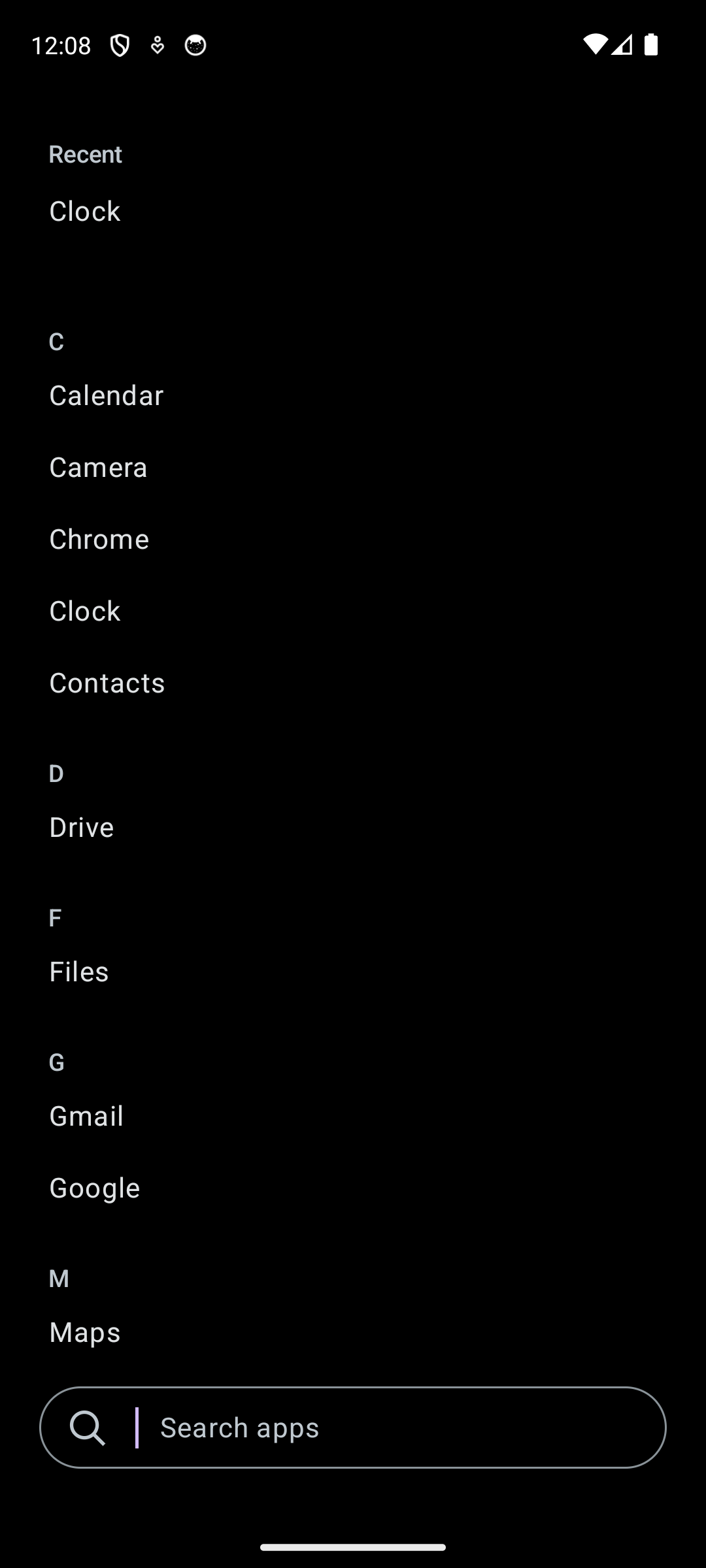
A clean Home with the apps and shortcuts you actually want to see.
YOUR PHONE, WITH ROOM TO BREATHE
A calmer home screen for Android. Put the apps you choose in plain sight, pause the ones that pull you away, and keep the important things close.
The Play listing becomes available to approved testers when testing opens.
01 / THE IDEA
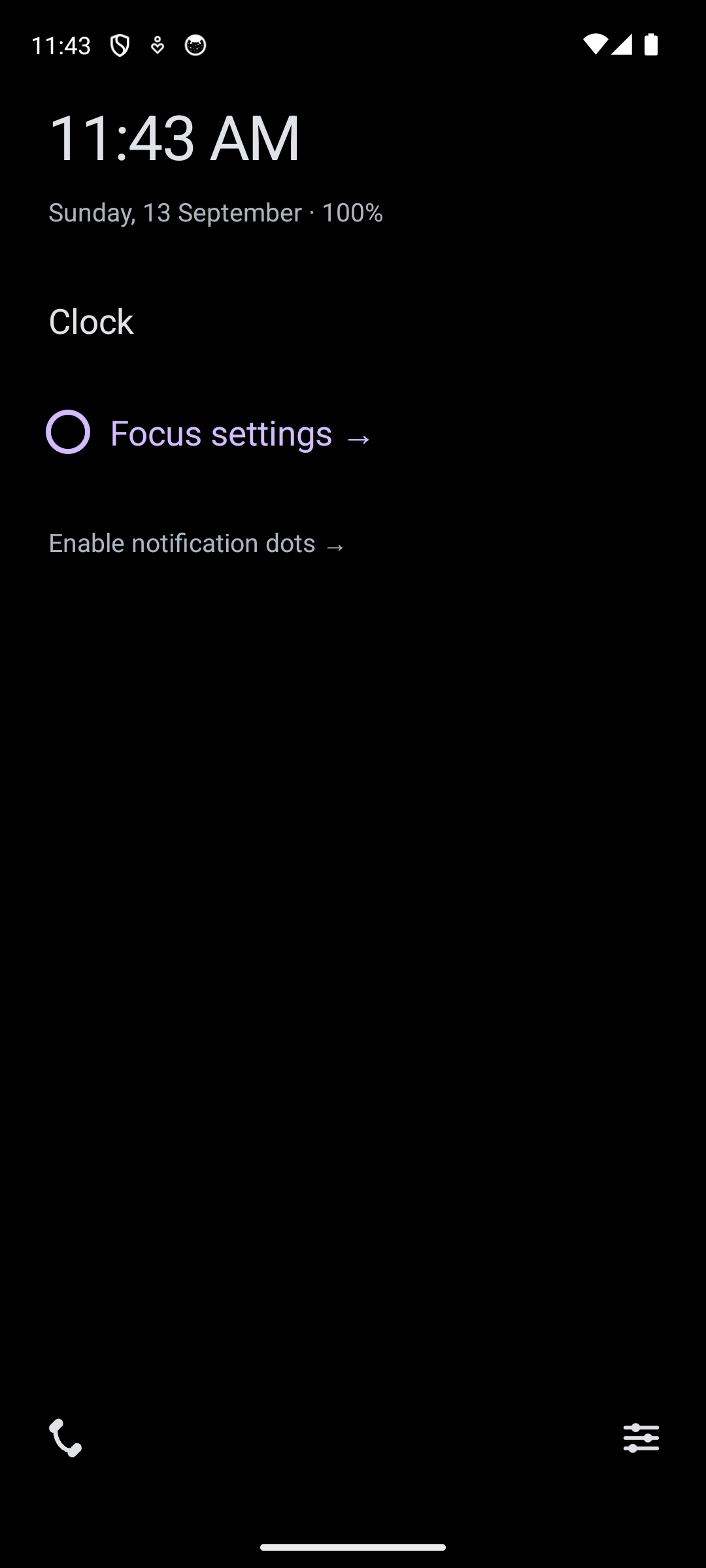
Most days start with a tap you didn't mean to make. Quiet gives you a simpler starting point: your chosen favourites, a clock, useful information and a quick way to reach everything else.
Swipe left for your app drawer. Search when you need something. Choose what earns a place on Home.
A clean Home with the apps and shortcuts you actually want to see.
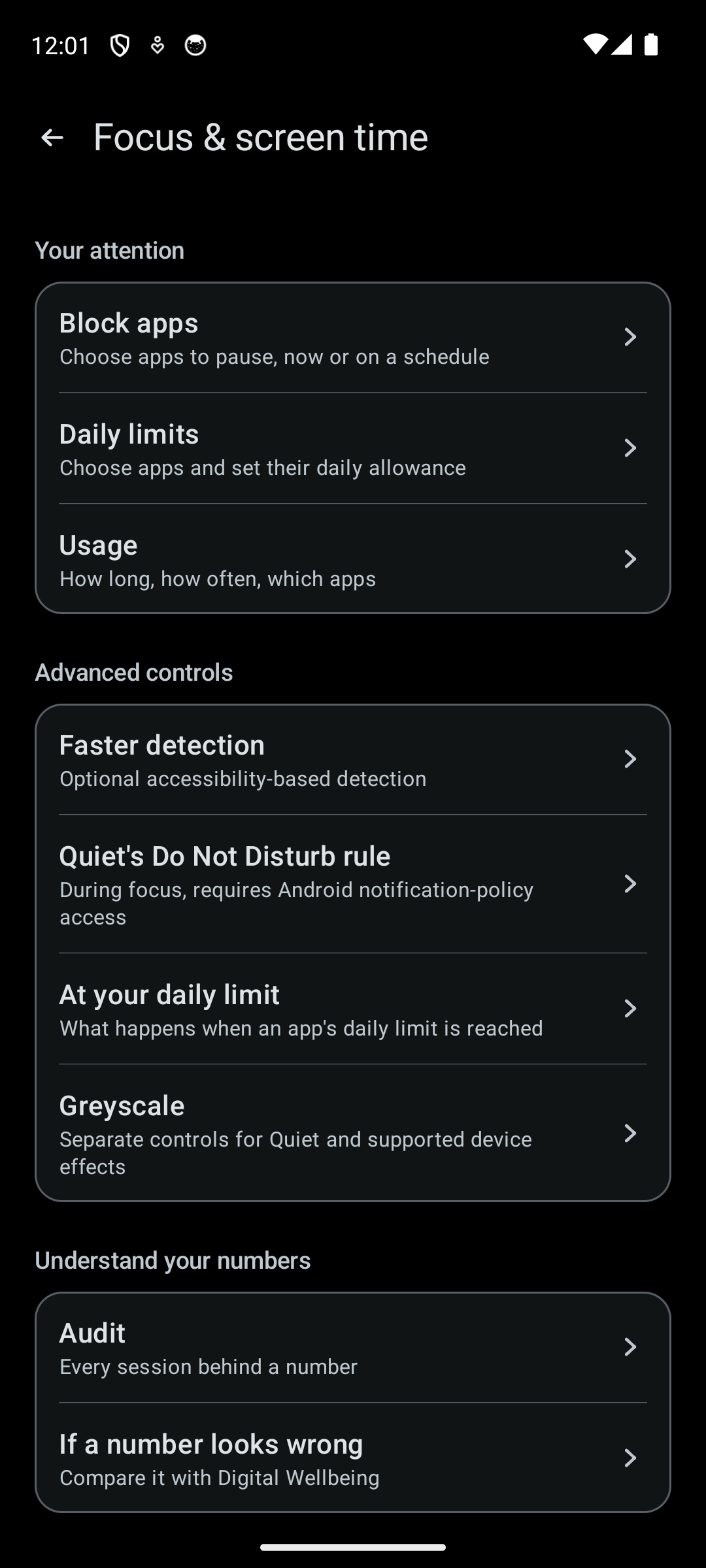
Set your own app limits and focus schedules when you need a pause.
Optional notification dots, previews and Catch-Up help you stay aware.
02 / YOUR ATTENTION
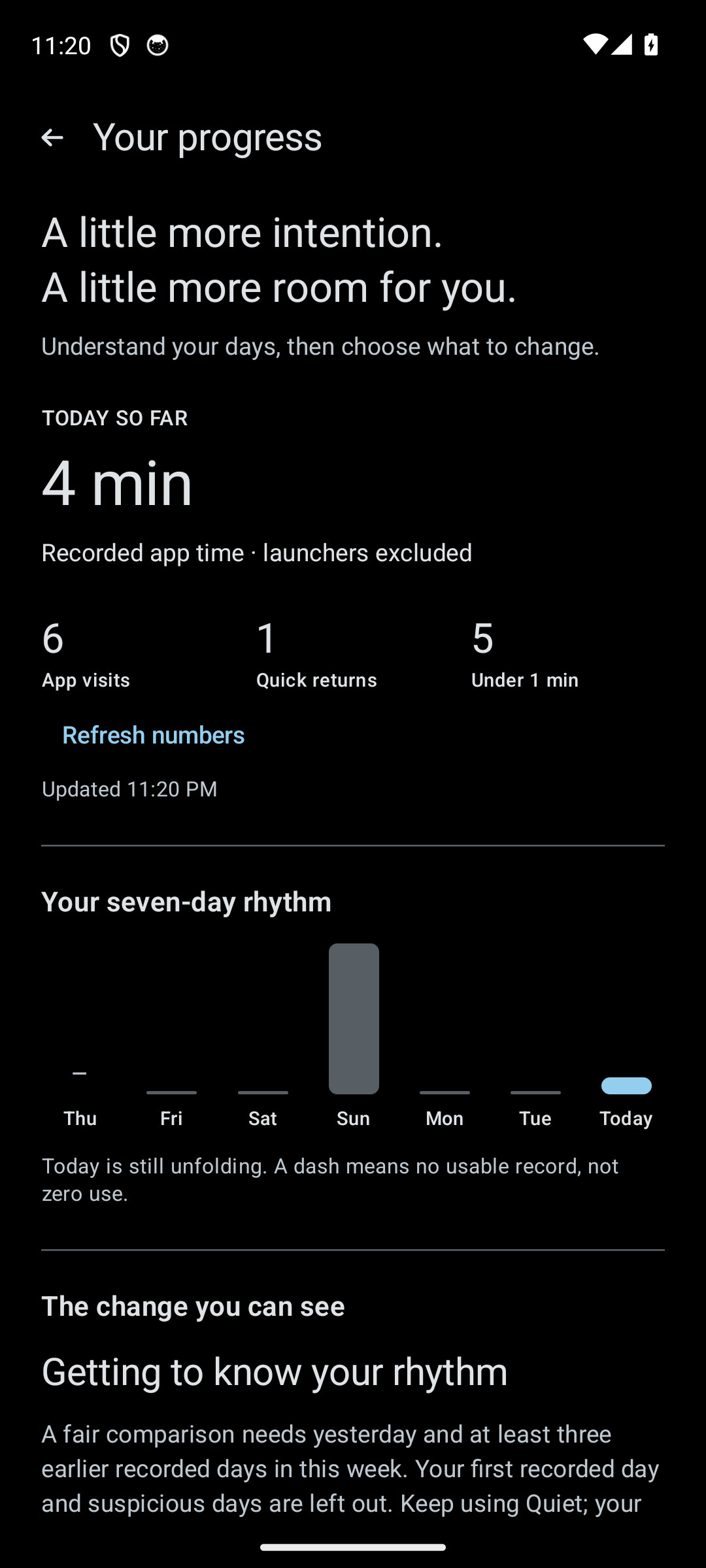
Choose apps to pause, give them a daily allowance, or look at how your time adds up. Quiet puts these decisions together so you can act on what you notice.
App blocking is a personal focus aid. Android permissions and your device's background rules can affect how quickly it responds.
03 / STAY REACHABLE
Turn on notification indicators when you want a quiet nudge. Choose previews and Catch-Up if they help, and decide which apps matter most during focus time.
Notification access is optional and explained before Android asks for it. Quiet's home screen works when you decline.
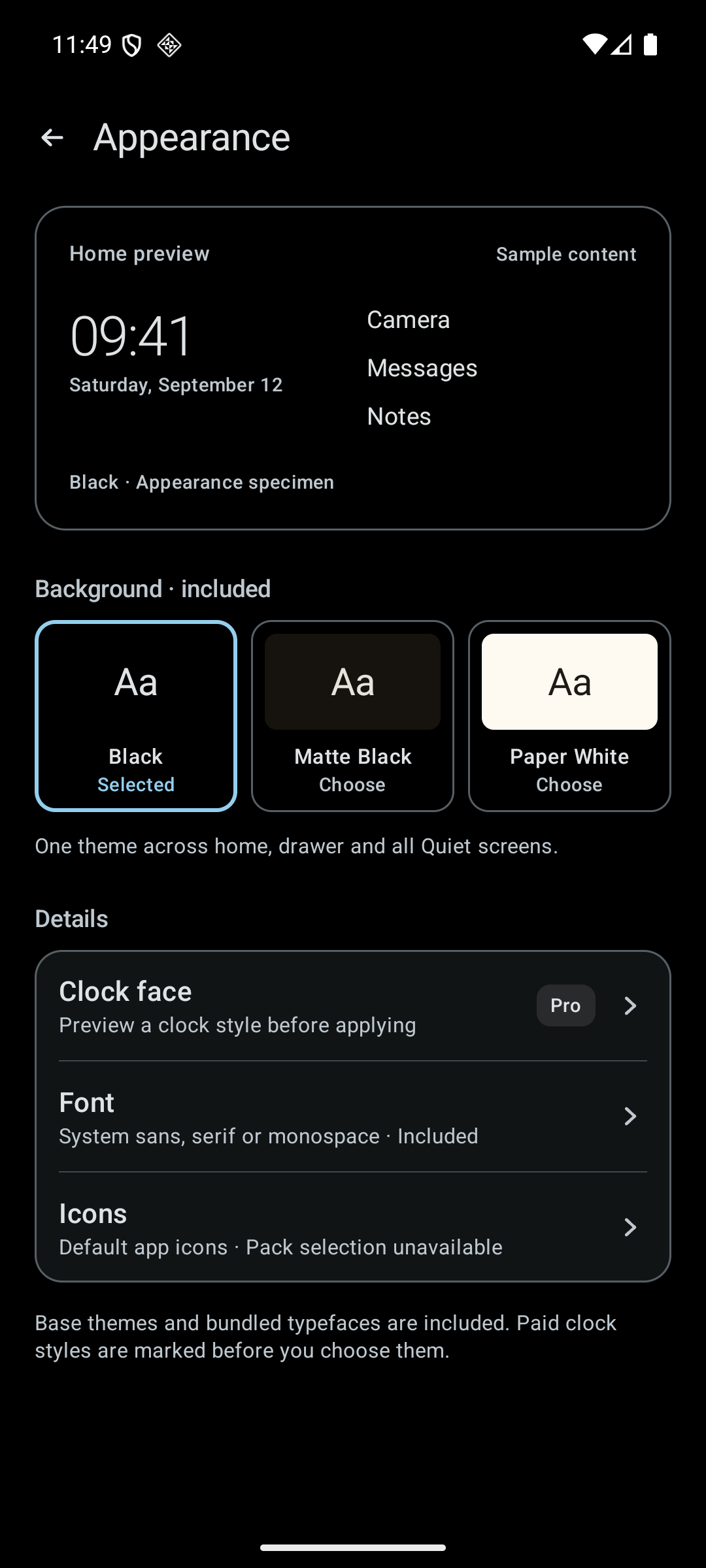
04 / MAKE IT YOURS
Start with Black, Matte Black or Paper White. Choose from included typefaces, arrange favourite apps, and adjust text and motion to fit the way you use your phone.
Some clock styles and deeper customization belong to Quiet Pro. The app shows current prices and eligible offers from Google Play before checkout.
05 / GETTING STARTED
Pick the apps you want on Home. You can start with an empty screen and add things later.
Android asks you to choose a default launcher. Your phone's settings remain in your control.
Set limits, enable notification access or explore styles only when you want them.
A NOTE ON THE DETAILS
Quiet can help you make a more deliberate choice before opening an app. It is not a security lock or parental-control system, and it won't make Android's system gestures behave like another phone's.
Some features need optional access or extra setup. Phone makers can restrict background behavior. Quiet explains what's needed and keeps Basic Home available if you say no.
06 / STRAIGHT ANSWERS
No Quiet account or sign-in is needed to use the launcher.
Only if you opt into Android's notification access can Quiet show notification dots, previews or Catch-Up. You can decline or revoke that access. The notification data is processed on your device.
No. App limits are a focus aid for rules you set yourself. They depend on Android access and device behavior and are not a security or parental-control barrier.
Basic Home stays available without a purchase. Quiet Pro adds optional styles and depth. Any available price, billing period or trial eligibility is shown by Google Play before you pay.
Usage and notification features process data locally. You can export a configuration backup to a location you choose. Read the privacy policy for the full picture, including Play purchases, shared diagnostics and browser handoffs.
QUIET FOR ANDROID
Your essentials, your limits, your pace.
Available to approved testers when the Play listing opens.